
AML Screening Software in the UAE: Key Features Businesses Should Look For
SUMMARY
A good AML screening software for UAE businesses covers sanctions, PEP and adverse media screening, rescreens customers after onboarding, and matches names accurately with few false positives. It must screen against the UAE Local Terrorist List and the UN Consolidated List, which are mandatory under UAE law. It should also record every alert decision in an audit trail, adapt to your risk profile, connect to your systems through API, and protect sensitive data.
Screening a customer’s name once during onboarding is not enough. Risk profiles, watchlists and customer relationships may change over time. The ten features below help you assess whether a platform can support your compliance team in practice, so choosing AML screening software which businesses can rely on means looking beyond basic name checks
1. Sanctions Screening
Sanctions screening identifies whether customers, beneficial owners or counterparties appear on applicable sanctions lists. In the UAE, businesses must screen against the UAE Local Terrorist List and the UN Consolidated List under Cabinet Resolution No. 74 of 2020, with implementation overseen by the Executive Office for Control and Non-Proliferation (EOCN). Potential matches must be investigated promptly, and relevant funds must be frozen without delay, within 24 hours of designation at the latest. Businesses may also screen against additional lists, such as OFAC and UK HMT, depending on their risk exposure and applicable obligations.
- List coverage: UAE, UNSC and other relevant international and local lists.
- Regular updates: Timely changes for new designations, amendments and removals.
- Name matching: Identifies spelling variations, transliteration differences and alternative name formats.
- Few false Positives: Helps teams separate true matches from unrelated names.
What to look for: Exact name matching alone may miss real matches, while overly broad matching creates excessive false positives. Check that matching settings can be configured to your risk exposure.
2. Politically Exposed Person (PEP) Screening
PEPs are individuals who hold, or have held, prominent public functions, which may expose them to higher bribery and corruption risk. PEP status is a risk factor, not an indication of criminal activity. A confirmed match may call for enhanced due diligence, source of funds and source of wealth checks, or senior management approval.
- Coverage of domestic and foreign PEPs.
- Details of the person’s public role and the basis for the classification.
- Identification of family members and close associates, where the data supports it.
- Rescreening of existing customers when new information becomes available.
What to look for: Software that gives useful information to assess PEP exposure, not one that simply labels a customer as high risk.
3. . Adverse Media Screening
Sanctions lists and PEP databases do not capture every risk. Adverse media screening identifies public reports of fraud, corruption, organised crime or other misconduct. For example, a customer with no sanctions listing and no PEP status may later become the subject of a fraud investigation.
- Relevant sources, with publication details.
- Multiple languages and name variations.
- Categorisation of risk information.
- Options to review, dismiss or escalate results, with historical records for audit.
What to look for: Relevant, traceable information. Source context should help your team tell an allegation, an investigation and a confirmed finding apart. A high volume of unfiltered results does not mean better detection.
4. Ongoing Customer Screening
A low-risk customer at onboarding may later be added to a sanctions list, become politically exposed or be linked to new adverse information. Ongoing screening detects these changes. It is different from transaction monitoring: screening checks customers against risk information, while transaction monitoring examines financial activity for unusual patterns.
- Continuous or scheduled rescreening of existing customers.
- Configurable frequency, such as daily, weekly or monthly checks.
- Alerts when new information creates a potential match.
- A record of alerts, reviews and decisions.
What to look for: A system that maintains coverage after onboarding. The right frequency depends on your risk exposure, regulatory requirements and internal policies. Higher-risk relationships may need more frequent reviews.
5. Name Matching and False Positive Management
A false positive occurs when the system flags a person or entity that proves to be unrelated. Common causes include similar names, common surnames, different transliterations and incomplete customer data. Too many false positives drain compliance resources, while overly restrictive rules may miss genuine matches.
- Fuzzy matching, transliteration and multilingual support.
- Configurable matching thresholds.
- Use of extra identifiers, such as date of birth, nationality or identification details.
- Clear explanations of why a result was flagged.
What to look for: Ask vendors how they test matching performance and measure both false positives and false negatives. Artificial intelligence can improve matching, but results depend on implementation, data quality and configuration. A lower alert volume alone is not proof of better screening.
6. Centralised Alerts and Case Management
Finding a potential match is only the first step. Without a structured workflow, alerts may be spread across systems and the reasoning behind decisions may be poorly documented.
- A central view of alerts and results.
- Case assignment and investigation workflows.
- Documentation of evidence, decisions and escalations.
- Searchable audit trails and user permissions.
What to look for: A system that supports the full review process, not only a list of matches. Where regulatory reporting is required, such as through goAML, check whether the software supports the workflow or integrates with the reporting system.
7. Risk-Based Screening
A bank, a real estate brokerage, a precious metals dealer and a corporate service provider face different risks. Screening software should support a risk-based approach rather than apply identical controls to every customer.
- Configurable screening parameters and alert thresholds.
- Screening of individuals, companies and beneficial owners.
- Integration of screening results into customer risk assessments.
- Different review workflows for different risk levels.
What to look for: Software that adapts to your risk assessment threshold. Customisation should never mean weakening controls only to reduce the number of alerts.
8. Audit and goAML Reporting
UAE reporting entities must register on goAML, the portal of the UAE Financial Intelligence Unit (FIU), and file their reports through it. Screening results often lead to these reports. A sanctions match may require a Confirmed Name Match Report (CNMR) or a Partial Name Match Report (PNMR), and an investigation may lead to a Suspicious Transaction Report (STR) or a Suspicious Activity Report (SAR). Name match reports carry short filing deadlines, so the data must be ready quickly. Entities must also keep records of submitted reports and their supporting documents.
- goAML-ready output: Prepares name match, STR and SAR reports, ideally in goAML XML format.
- Audit reports: Exports alerts, reviews, decisions, users and timestamps for internal audit and supervisory requests.
- Review controls: Approval steps so the compliance officer or MLRO can check a report before it is filed.
- Record keeping: Retention of submitted reports and supporting documents.
What to look for: Your registered entity submits the final report through the goAML portal, so ask each vendor exactly what its software produces: goAML-compatible files, report drafts or data exports only. Request a sample audit report and a sample goAML output during evaluation.
9. API Integration
The way screening connects to your existing systems affects its operational value. Common options include:
- API screening: Builds screening into onboarding or other workflows.
- Data export and reporting: Retrieves results and records for internal review.
What to look for: Integration that matches how screening will actually be used. Ask about API documentation, authentication, response times, error handling and capacity for growth in screening volumes.
10. Data Security and Auditability
Screening involves sensitive customer data and significant compliance decisions. Assess the following:
- Role-based access controls and secure data transmission and storage.
- Audit logs of user actions and decisions.
- Data retention, deletion, backup and recovery arrangements.
- Data hosting and processing locations, and applicable privacy requirements.
What to look for: A provider that can explain its security controls, supply supporting documentation and help you reconstruct any screening decision: what information was available, what match was found, how it was assessed and what action followed.
11. Scalability and Vendor Support
The software should fit your current needs and allow for growth. Before committing, consider:
- Scalability and implementation: How the platform handles growth, and what technical effort onboarding requires.
- Support and development: Technical assistance, data updates and feature improvements.
- Testing: Whether you can trial the platform with representative data.
What to look for: Do not choose on price alone. A low-cost system may create extra work through false positives or limited data coverage, while a large enterprise platform may be unnecessarily complex for focused needs.
AML Screening Software Evaluation Checklist
Use this table to structure your vendor comparison, alongside applicable legal and regulatory requirements.
| Capability | What to assess |
|---|---|
|
Sanctions screening |
Coverage of the UAE Local Terrorist List, UN Consolidated List and other relevant lists |
|
PEP screening |
Domestic and foreign PEP data, with supporting information |
|
Adverse media |
Source quality, relevance, language coverage and context |
|
Ongoing screening |
Rescreening frequency, list updates and new-match alerts |
|
Name matching |
Transliteration, fuzzy matching and false positive management |
|
Case management |
Alert review, investigation records and audit trails |
|
Reporting |
goAML-ready output for name match, STR and SAR reports, plus exportable audit reports |
|
Risk-based controls |
goAML-ready output for name match, STR and SAR reports, plus exportable audit reportsConfigurable rules, risk indicators and review workflows |
|
Integration |
API access, bulk screening and web-based checks |
|
Data security |
Access controls, data handling and auditability |
|
Scalability and cost |
Pricing transparency, screening volumes and future requirements |
How Finch Innovate Supports AML Screening
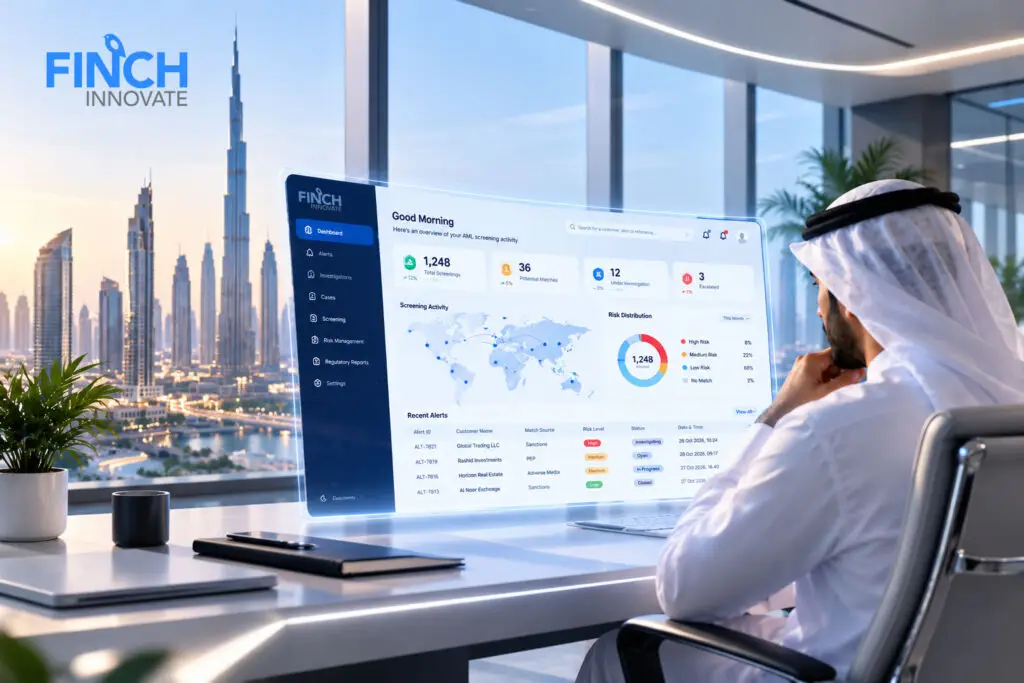
Finch Innovate’s FinchAML is an AI-powered AML screening solution designed to help businesses identify potential risks and reduce false positives. Powered by Finch.ai, it uses intelligent name-matching algorithms that consider phonetic similarities, spelling variations and configurable thresholds.
The solution supports screening against sanctions lists, Politically Exposed Persons (PEPs) and adverse media across multiple languages. Ongoing monitoring, automated alerts and risk scoring help compliance teams identify changes in customer risk and prioritise high-risk profiles for investigation. FinchAML also supports automated goAML, regulatory and audit reporting.
Explore FinchAML can support your AML compliance operations.
Frequently Asked Questions
What is AML screening software?
It helps to screen customers, beneficial owners and counterparties against sanctions lists, PEP databases and adverse media to identify financial crime risk, both at onboarding and throughout the business relationship.
How often should customers be rescreened?
It depends on risk exposure, regulatory requirements and internal policy. Screening should at least take place when the Local Terrorist List or UN Consolidated List is updated, and higher-risk customers may need more frequent reviews.
Is ongoing screening the same as transaction monitoring?
No. Ongoing screening checks customers against sanctions, PEP and adverse media information. Transaction monitoring examines financial activity for unusual patterns. Both are part of an effective AML framework.